How to Reactivate Dead Customers with Shopify Winback Flows

Experience note: This guide reflects how Emailwish merchants run Shopify email automation in practice. Results vary by traffic, offer, and list quality.
This is the deep dive linked from our Shopify Email Automation overview. Use it as a playbook you can implement the same week.
Who counts as “dead”
Define inactivity by your purchase cycle (e.g. 60–90 days since last order for consumables, longer for durables). Segment VIPs separately from one-time buyers.
Winback sequence structure
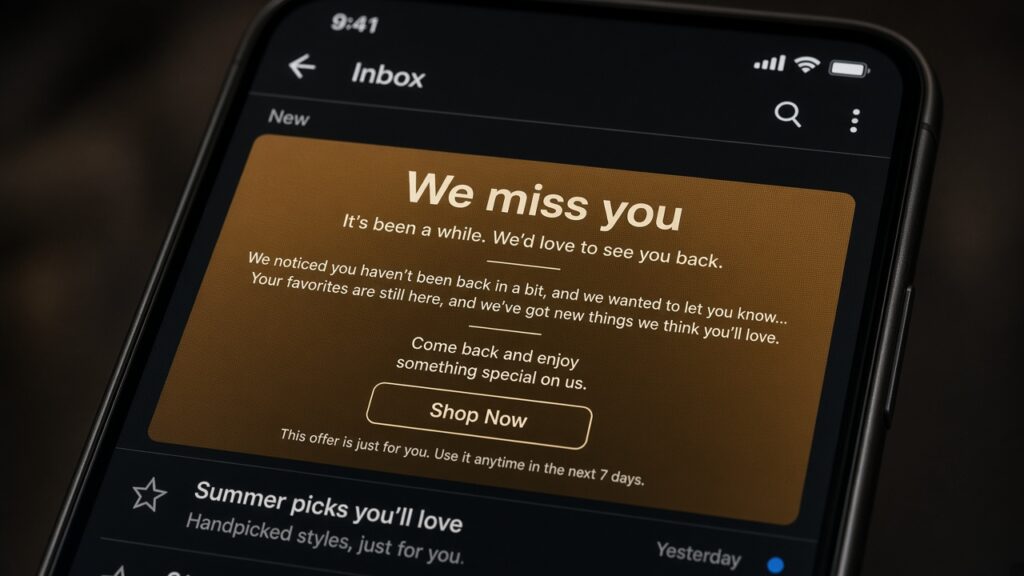
Email 1: “We miss you” + bestsellers. Email 2: new arrivals or category they bought before. Email 3: stronger incentive or feedback ask. Suppress anyone who purchases mid-flow.
Offers without training discount hunters
Lead with value (restocks, bundles, loyalty). Use discounts selectively for high LTV segments. Always include an easy unsubscribe path.
Automate reactivation in Emailwish
Build winback as a lifecycle flow triggered by last-order date. Pair with reviews and chat so returning shoppers get help if they come back to browse.
Related: Shopify Email Automation · Case studies · Emailwish on Shopify