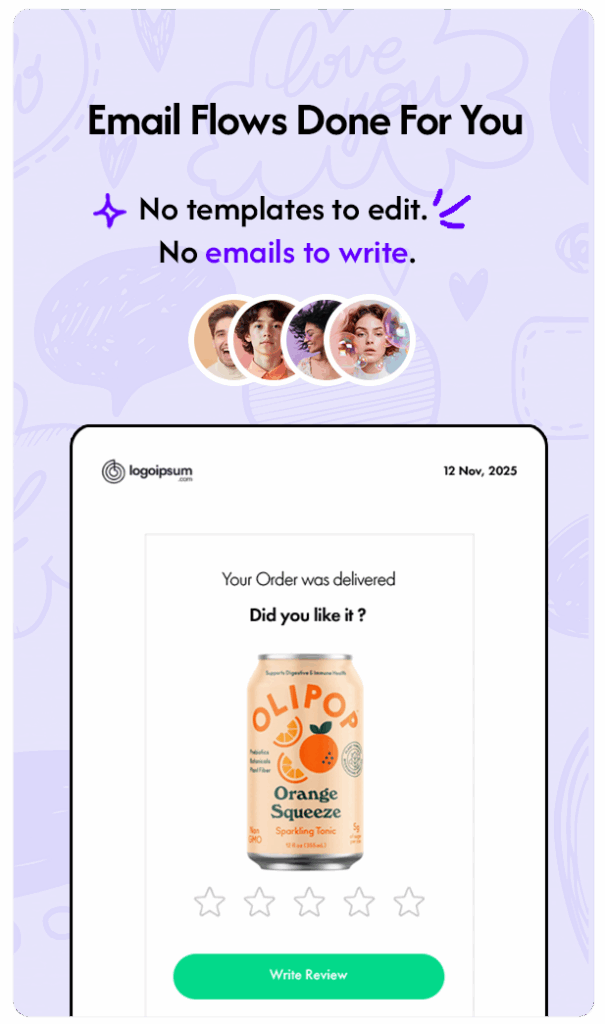
How to Automate Shopify Review Request Emails


Experience note: This guide reflects how Emailwish merchants run Shopify email automation in practice. Results vary by traffic, offer, and list quality.
This is the deep dive linked from our Shopify Email Automation overview. Use it as a playbook you can implement the same week.
Ask after the product has arrived
Trigger on fulfillment + a delay (often 5–14 days depending on shipping). Asking at purchase creates noise; asking after use gets better reviews.
Keep the ask simple
One clear CTA to leave a review, product name/image, and optional photo prompt. Short beats a long survey when you want volume.
Use reviews across the funnel
Surface new reviews on product pages, in welcome/abandoned flows, and in chat. Reviews are an asset — not only a post-purchase metric.
Automate with Emailwish Reviews
Emailwish can request reviews after delivery and keep proof in the same platform as email and popups — so collection and display stay connected.
Related: Shopify Email Automation · Case studies · Emailwish on Shopify